
Pysar
main voice: chancery papers, parish registers, confession lists
Handles most Cyrillic files. When the handwriting is illegible, it relies on how such documents were usually written.
Reads manuscripts. Brings back what it finds.
Free and open source (AGPL-3.0). Code on GitHub

The same app, three ways. The installer is more convenient; the commands are for Linux and macOS, for those installing on a server, and for those more at home in a terminal.
Run it, answer two questions, press “Install”. The installer brings its own interpreter and puts everything in your user profile.
nyshporka-setup.exe
⚠ “Windows protected your PC” — “More info” → “Run anyway”. This is how Windows greets every program that few people have downloaded yet. You can verify the file with the .sha256 next to the installer in the release.
One command on a clean machine. The script brings uv, and uv brings its own interpreter; no need to clone the repository.
irm https://raw.githubusercontent.com/SERGIUSH-UA/nyshporka/main/install/windows.ps1 -OutFile "$env:TEMP\nysh-install.ps1"
powershell -ExecutionPolicy Bypass -File "$env:TEMP\nysh-install.ps1"curl -LsSf https://raw.githubusercontent.com/SERGIUSH-UA/nyshporka/main/install/unix.sh | sh
🔴 When the script finishes, close the terminal window and open a new one: until then the nysh command won't be found in it. If it isn't found in the new one either, restart your computer.
The package installs from PyPI; GitHub isn't needed at all.
uv tool install "nyshporka[app,archives,htr]"   # or: pip install "nyshporka[app,archives,htr]"
nysh init                      # create a working folder
nysh doctor                    # check the machine
nysh serve                     # open the app in the browser
A light set, without torch (~2.5 GB less): uv tool install "nyshporka[app,archives]". Updates: nysh update --check.
The reading models aren't included in the package on purpose: otherwise everyone who came just to browse the catalogue of files would pay for them in gigabytes. The steps are one-off and usually the assistant does them; the archive catalogues don't need them.
nysh htr install    # an environment for the reading models, once
nysh models get     # three reading models, ~130 MB
nysh doctor         # the “Рушії читання” (reading engines) check should turn green
How to connect an assistant, component sets and installer options — “Install and connect an assistant”.
The app opens in your browser but runs on your computer — even without the internet.
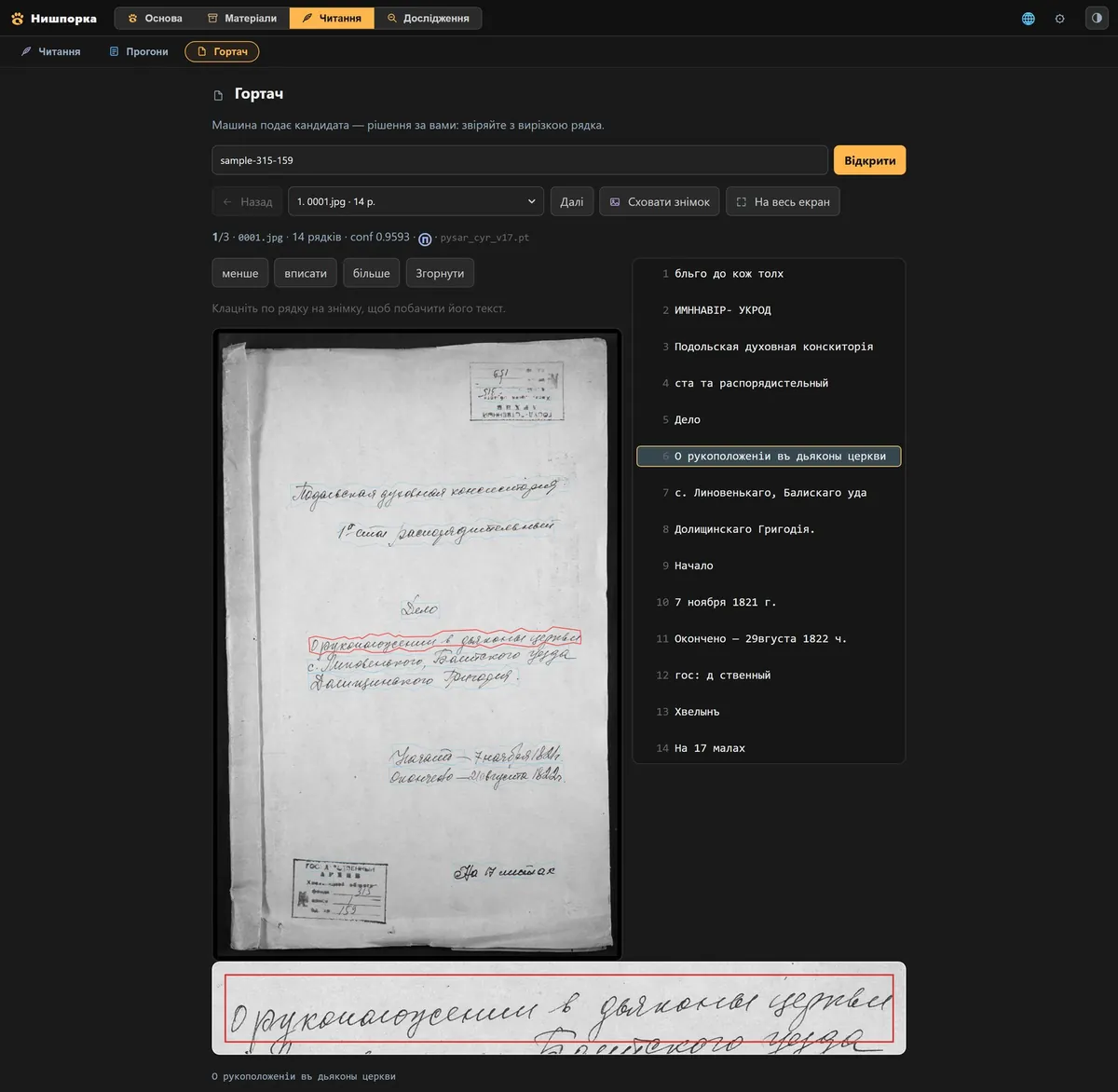
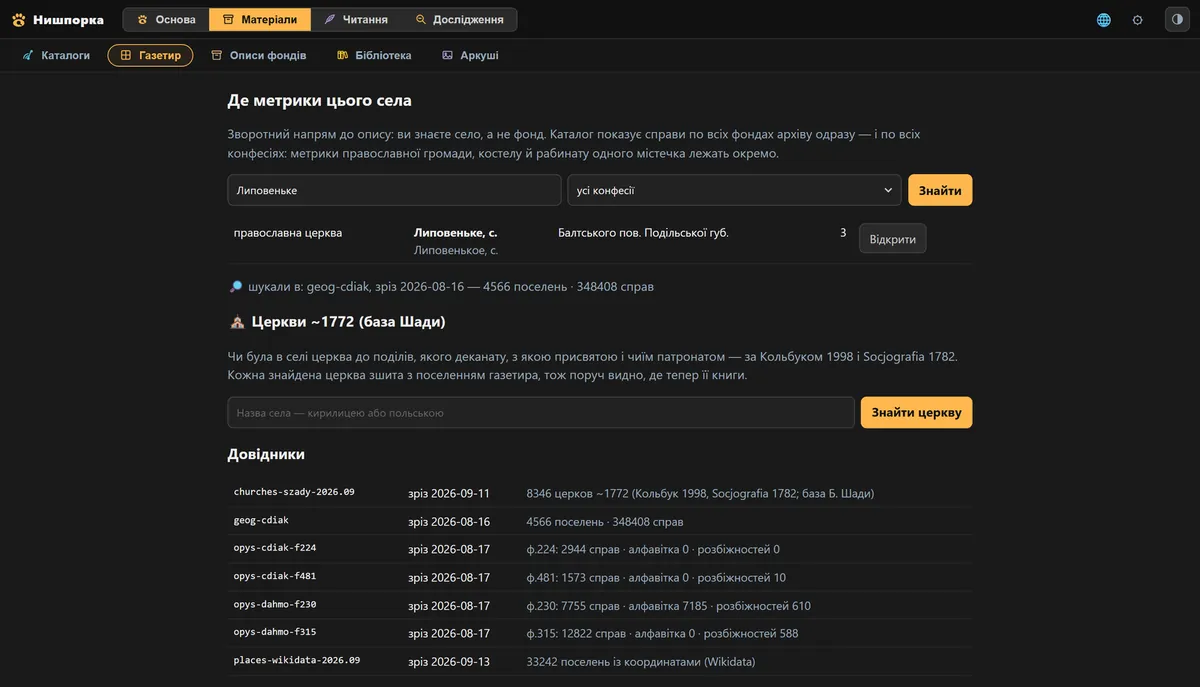
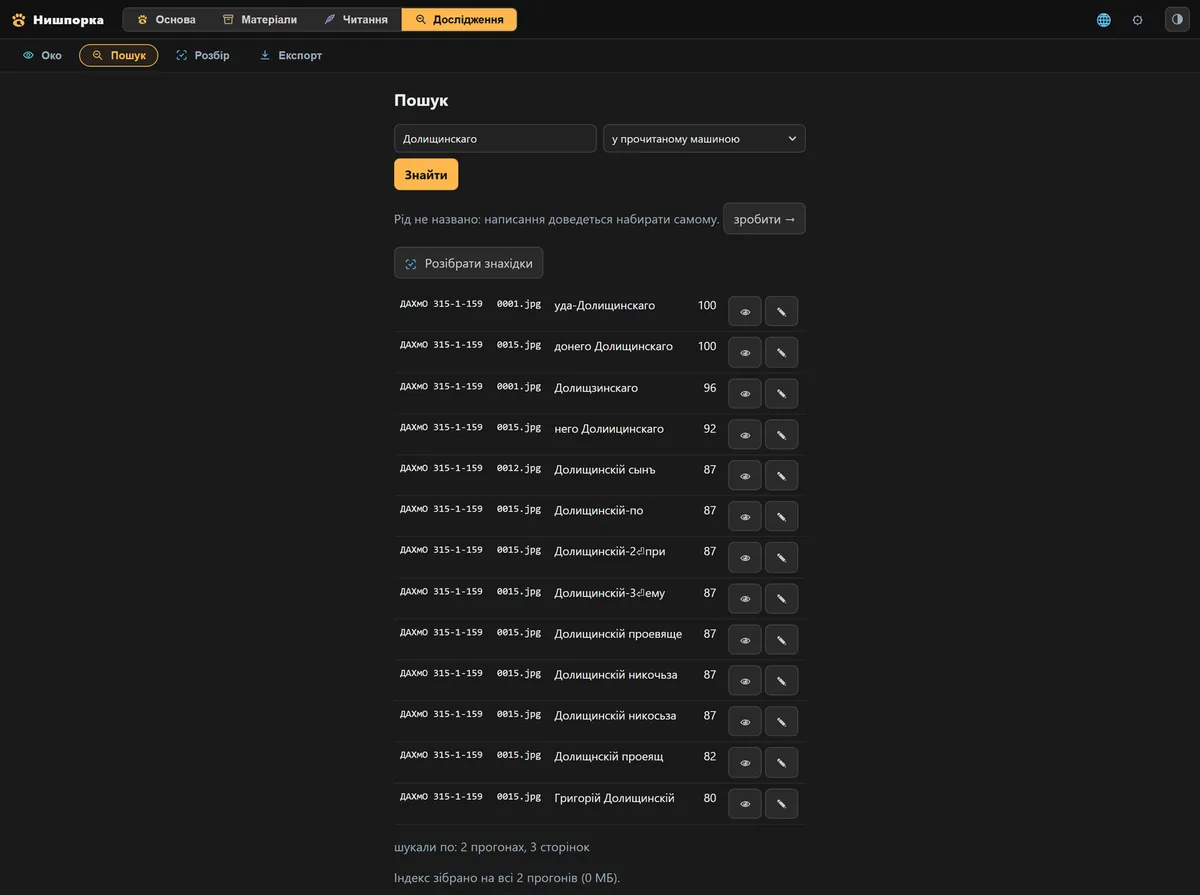
nysh models get brings three models. Pysar and Diak read Cyrillic and can work together on the same file — then the text is combined from their voices. Skryba reads Latin script.
main voice: chancery papers, parish registers, confession lists
Handles most Cyrillic files. When the handwriting is illegible, it relies on how such documents were usually written.
second voice: sticks to the pixels where the first one fills in the gaps
Reads the same script as Pysar, but stays closer to the strokes themselves. The two voices are compared: where they differ, it's worth looking at the folio.
Latin script: notarial records and Catholic parish books
A separate script and separate material: Latin entries from notarial records and Catholic parish books, which the Cyrillic models don't handle.
The read text and the file's metadata. A file of 3772 folios weighs 4–5 MB in a package.
The scans themselves. Your notes, findings and tree. By default the app shares nothing: some of us paid for the photography.